Product · · 4 min read
What you take away is a design, not a running app
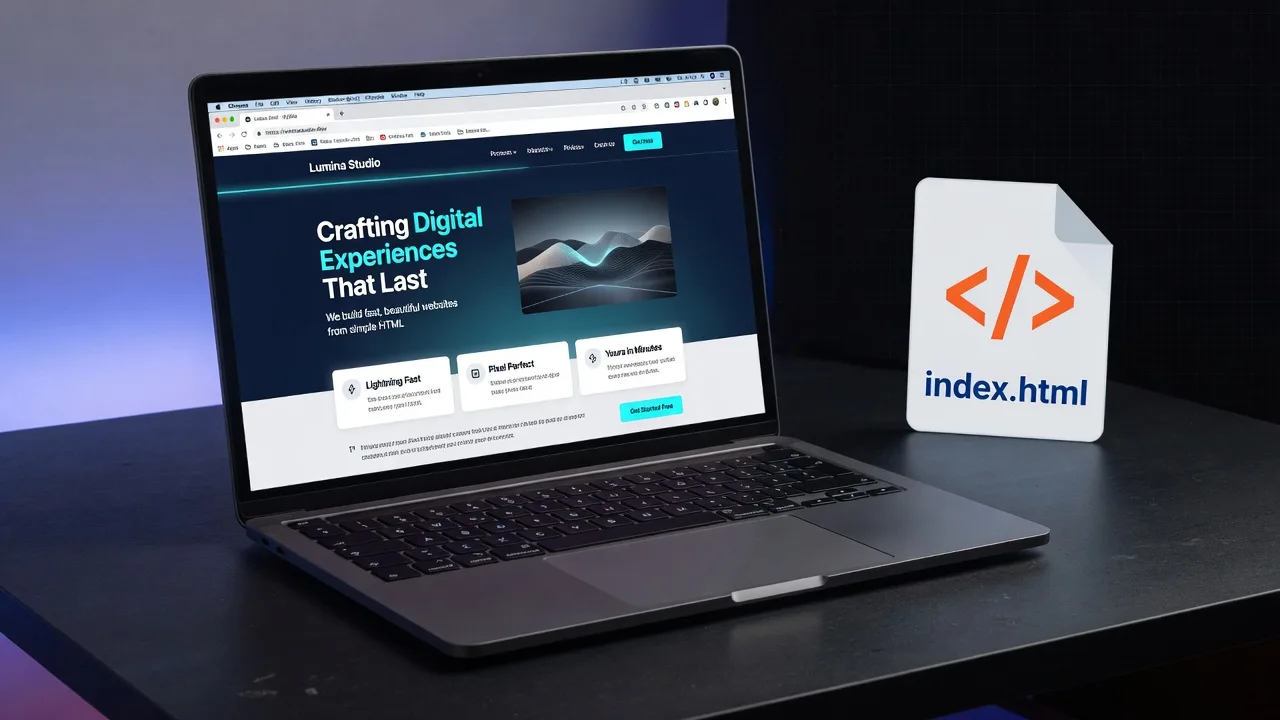
SketchMason is a design tool with an HTML export. Copy that says otherwise describes a different product. What you take off the canvas is the design as it stands, including edits you made after generating.
HTML
A standalone file. Open it in a browser. Hand it to a developer as a picture of the screen that actually has structure, not a PNG.
A written brief
The layout, the tokens, the decisions. Useful when the next step is a conversation rather than a file.
What it is not
It is not a running application and it is not a Figma file. If you need those, a different tool is the honest choice. The FAQ names the third export, there and only there.
What it costs
A credit is one generation: a style guide, a screen, a page in a flow, or a revision from the chat. Drawing, moving, resizing, references and history cost nothing. What a plan costs is on /pricing. A new account starts with two generations.
Questions
- What can I export?
- The design exports as a standalone HTML file or a written brief. Edits made after generating are included.
- What does it cost?
- Generating costs credits. Drawing, moving, resizing, references and history cost nothing. A new account starts with two generations and no card.
Keep reading
- How a labelled sketch becomes a UI
You do not prompt a layout into existence. You draw the boxes, write what they are, and the screen is generated from that.
- How to label a UI sketch so the model stops guessing
Write the component type, a piece of real copy, or a size constraint. Those three labels do more than a longer prompt.
- A mood board is how the fifth screen matches the first
A palette of eight nice colours is a mood. A palette where each colour is bound to a role is a system.